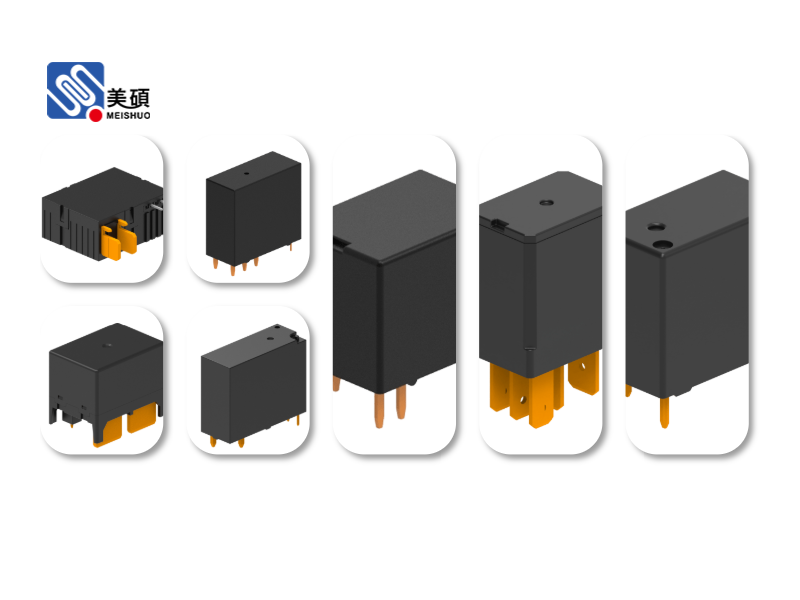
In the era of the Internet of Things (IoT), smart devices have become an integral part of our daily lives. Among these innovative gadgets, the WiFi smart relay stands out as a versatile and efficient solution for home automation and remote control. This article delves into the world of WiFi smart relays, exploring their features, benefits, and how they can revolutionize your home automation journey.
**Understanding WiFi Smart Relays**
A WiFi smart relay is a device that allows you to control various appliances and devices remotely through a WiFi connection. Unlike traditional relays, which are limited to physical control, WiFi smart relays offer a seamless and convenient way to manage your home electronics from anywhere in the world. These relays work by connecting to your home network and enabling you to control them via a smartphone app or a web interface.
**Key Features of WiFi Smart Relays**
1. **Remote Control**: The primary advantage of WiFi smart relays is the ability to control devices remotely. Whether you’re at home, in the office, or on a trip, you can easily turn on or off your appliances with just a few taps on your smartphone.
2. **Voice Control**: Many WiFi smart relays are compatible with popular voice assistants like Amazon Alexa, Google Assistant, and Apple Siri. This means you can control your devices using voice commands, adding an extra layer of convenience to your smart home setup.
3. **Scheduling and Automation**: WiFi smart relays often come with scheduling capabilities, allowing you to set specific times for your devices to turn on or off. This feature is particularly useful for energy-saving purposes and creating the illusion of occupancy when you’re away from home.
4. **Energy Monitoring**: Some WiFi smart relays offer energy monitoring features, enabling you to track the energy consumption of your appliances and make informed decisions about your energy usage.
5. **Interoperability**: Many WiFi smart relays are compatible with other smart home devices and systems, making it easy to integrate them into a cohesive and interconnected smart home ecosystem.
**Benefits of Using WiFi Smart Relays**
1. **Energy Efficiency**: By automating your home appliances, you can reduce energy consumption and save money on your utility bills.
2. **Convenience**: Remote control and voice control features make managing your home electronics effortless and convenient.
3. **Security**: With scheduling and automation, you can create the illusion of occupancy, deterring potential burglars and enhancing your home security.
4. **Comfort**: Adjusting the temperature, lighting, and other home settings remotely can greatly improve your comfort and well-being.
**Choosing the Right WiFi Smart Relay**
When selecting a WiFi smart relay, consider the following factors:
1. **Compatibility**: Ensure that the relay is compatible with your home network and other smart home devices.
2. **Features**: Look for a relay that offers the features you need, such as remote control, voice control, scheduling, and energy monitoring.
3. **Brand Reputation**: Choose a reputable brand with a history of producing reliable and high-quality smart home devices.
4. **Ease of Use**: Opt for a relay with a user-friendly app or web interface for easy setup and control.
**Conclusion**
WiFi smart relays are a valuable addition to any smart home setup, offering a convenient, energy-efficient, and secure way to manage your home electronics. By choosing the right relay and integrating it into your smart home ecosystem, you can take your home automation journey to the next level and enjoy the many benefits of a connected and intelligent home.