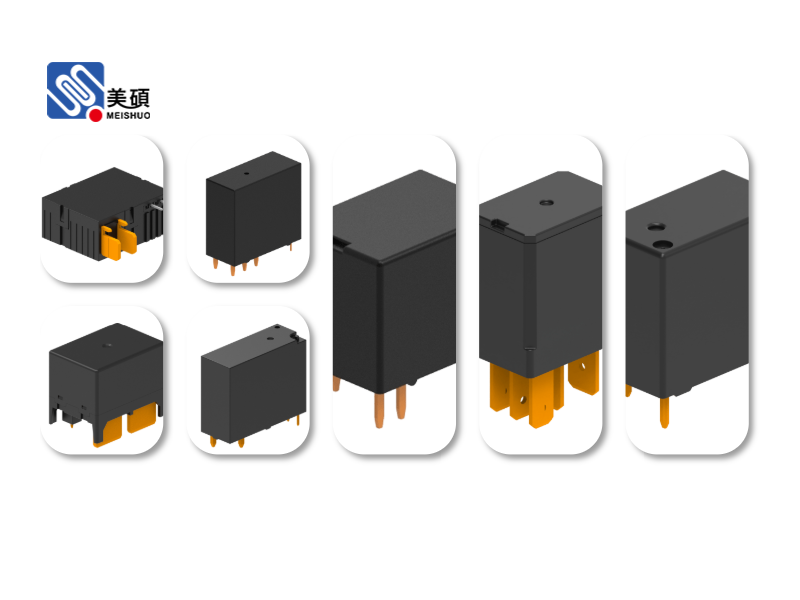
The Arduino Relay Module is a versatile accessory that allows your Arduino project to control high-voltage devices. Whether you are a beginner or an experienced maker, understanding how to use the Arduino Relay Module effectively can open up a world of possibilities. In this comprehensive guide, we will delve into the basics of the Arduino Relay Module, its applications, and how to integrate it into your projects.
**Introduction**
The Arduino Relay Module is a small, yet powerful device that acts as an intermediary between your Arduino and high-voltage appliances. It allows you to control devices such as lights, motors, and other electrical appliances that require more power than the Arduino can supply directly. In this article, we will explore the different types of Arduino Relay Modules, their features, and how to use them in your projects.
**Understanding the Arduino Relay Module**
The Arduino Relay Module typically consists of a relay board, which contains one or more relays, and a connector that allows you to connect it to your Arduino. The relay board is responsible for switching the high-voltage devices on and off, while the Arduino controls the relay using its digital pins.
There are several types of Arduino Relay Modules available, each with its own set of features and specifications. Some common types include:
1. Single Channel Relay Module: This module contains a single relay that can control one high-voltage device.
2. Dual Channel Relay Module: This module contains two relays, allowing you to control two devices simultaneously.
3. 4-Channel Relay Module: This module contains four relays, enabling you to control up to four devices at once.
**Features of the Arduino Relay Module**
The Arduino Relay Module offers several features that make it a valuable addition to your project:
1. High Current Handling: The relay module can handle high currents, allowing you to control devices that require more power.
2. Isolation: The relay provides electrical isolation between the Arduino and the high-voltage device, ensuring safety.
3. Versatile Control: The module can be controlled using digital pins on the Arduino, making it easy to integrate into your project.
**Applications of the Arduino Relay Module**
The Arduino Relay Module has a wide range of applications, including:
1. Home Automation: Control lights, fans, and other appliances in your home using the Arduino Relay Module.
2. Industrial Automation: Use the module to control motors, sensors, and other devices in industrial settings.
3. Robotics: Incorporate the relay module into your robot to control external devices such as motors, servos, and sensors.
**How to Use the Arduino Relay Module**
To use the Arduino Relay Module, follow these steps:
1. Connect the relay module to your Arduino using the provided connector.
2. Identify the digital pins on the relay module that you will use to control the relays.
3. Write a program for your Arduino that will control the relays using the identified digital pins.
4. Upload the program to your Arduino and test the relay module.
**Conclusion**
The Arduino Relay Module is a valuable tool for any Arduino project that requires control over high-voltage devices. By understanding the basics of the module, its features, and its applications, you can effectively integrate it into your projects and unlock a world of possibilities. Whether you are a beginner or an experienced maker, the Arduino Relay Module is a must-have accessory for your Arduino toolkit.